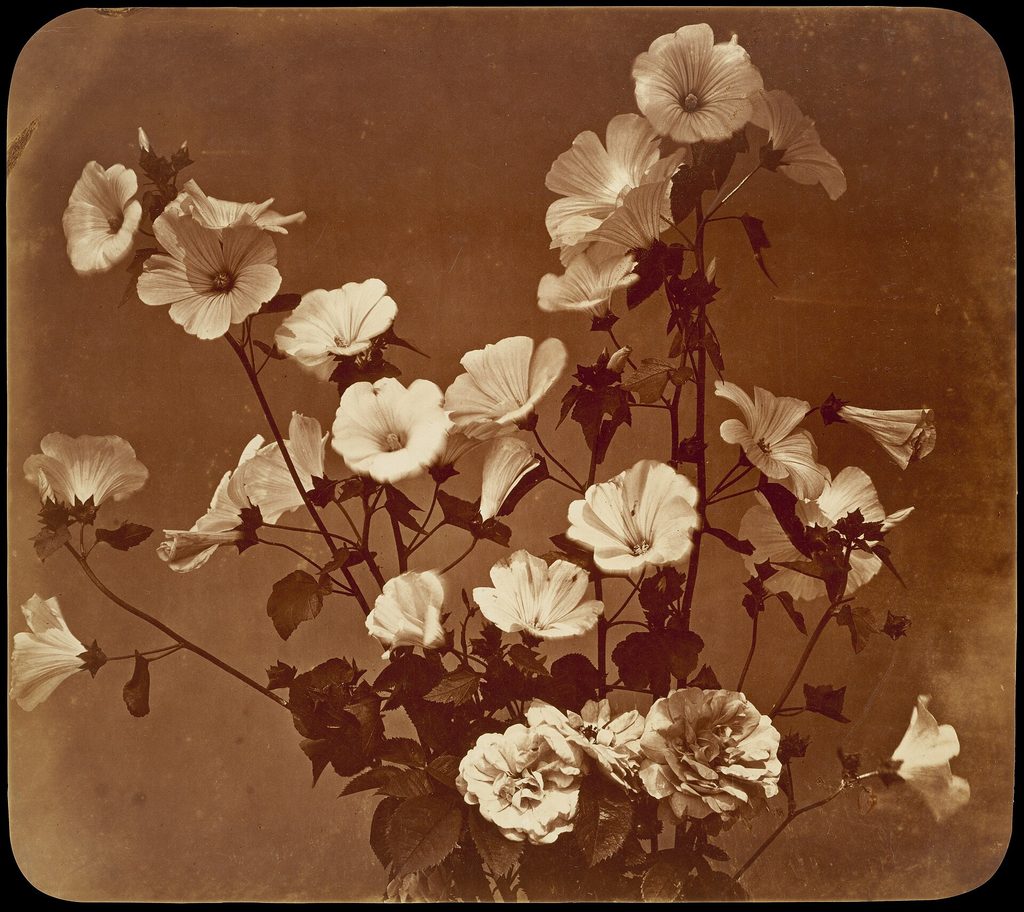
Photo in.
Outline out.
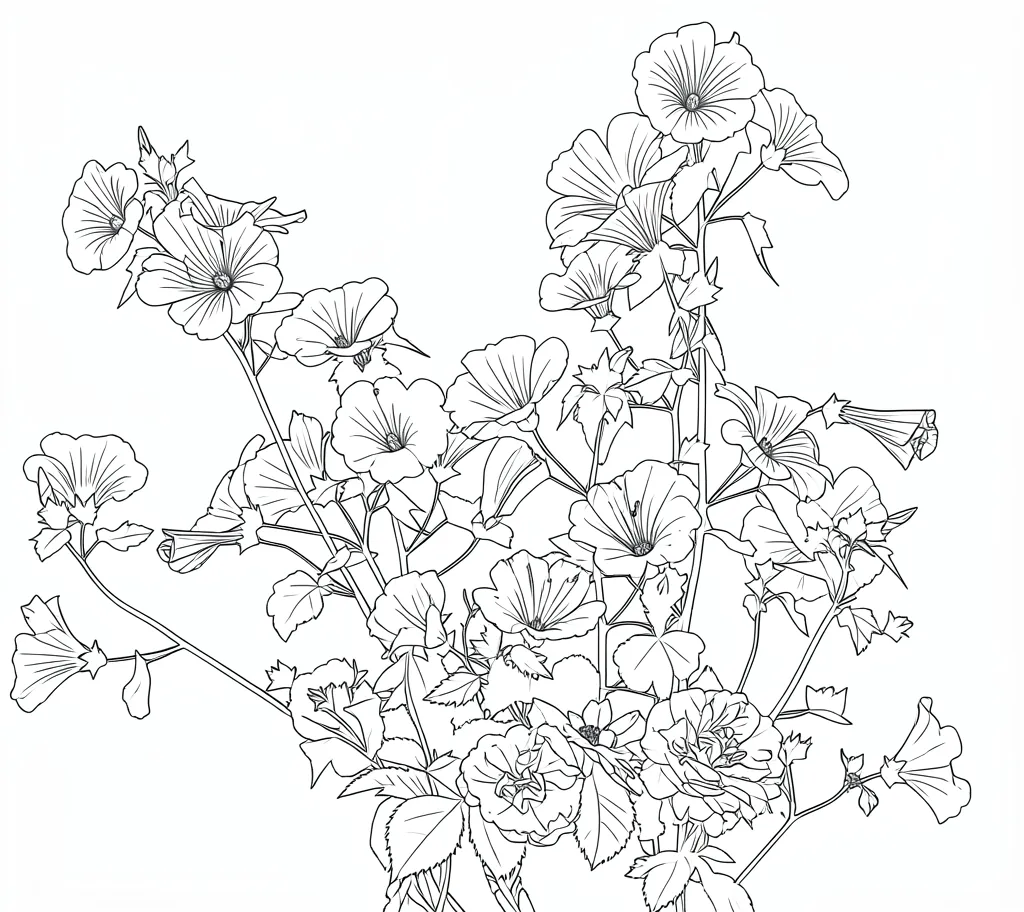
A photo as a clean outline in light grey lines, to print and then trace or transfer onto a canvas, a board or a wall.
- Graphite grey or black
- A4, US Letter or your own width
- PNG, SVG or print
What you get
An outline, ready to trace.
The same sheet the tool makes for every use, dressed for this one. Change any of it before you save.
- Ink
- Graphite grey or black
- Ground
- White
- Line
- As traced, finer or heavier
- Size
- A4 or US Letter, or a width you type
- Saves as
- PNG, SVG or print, as shown
- Costs
- Quick trace: 3 sheets free. Fine trace: 1 per photo and pass.
How
Three steps.
Bring a photo
From your phone or computer. No sign-up and no card.
Trace it
Quick trace is at once and runs on your own device. Fine trace redraws the photo as line work on our press, which does not store the photo. Signed in, your photos and sheets are saved to your account.
Choose Outline to trace
Pick graphite grey or black and a size. Print it, then trace it onto your surface with graphite or transfer paper.
Limits
What it will not do.
It will not tile a large wall.
It prints one page at a time, at the width you type. For a mural, have the file printed larger or project it.
It will not close every shape.
The outline follows the photo, so some shapes stay open. It is an outline to trace, not a colouring page.
It will not add resolution.
A Fine trace sheet is 1024 px on its long side. The tool shows the dpi at the width you type, so check it before a large print.
Same tool
Also used for.
Photo: Flower Study, Rose of Sharon, The Metropolitan Museum of Art, CC0. Outline: our Fine trace of that photo, Liner pass, 22 November 2026, with no hand editing.