Photo in.
Line art out.
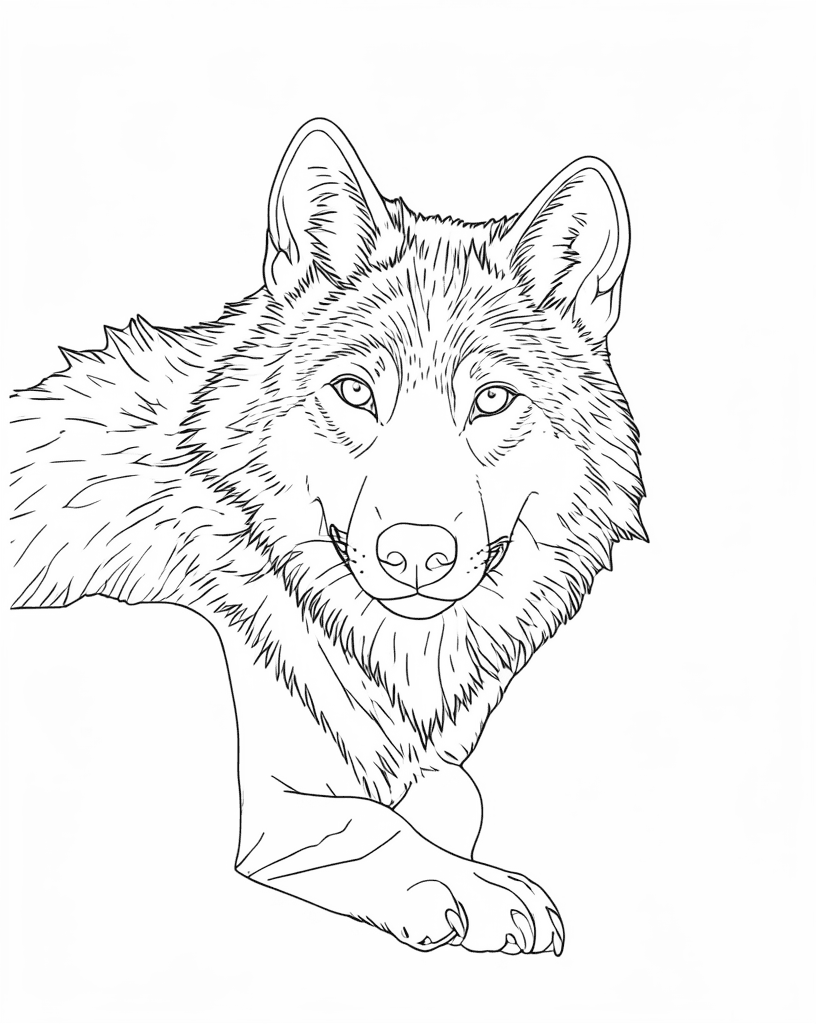
A customer photo as clean black line art, sized to the width of the blank you are burning or engraving. It saves you tracing it by hand.
- True size in centimetres
- Black on white PNG and SVG
- Engrave as an image
What you get
Line art, ready to use.
The same sheet the tool makes for every use, dressed for this one. Change any of it before you save.
- Ink
- Burn brown on screen. Saved pure black.
- Ground
- Basswood on screen. Saved white.
- Line
- As traced, finer or heavier
- Size
- The width of your blank, typed in centimetres
- Saves as
- Black on white PNG, SVG, or print at true size
- Costs
- Quick trace: 3 sheets free. Fine trace: 1 per photo and pass.
How
Three steps.
Bring a photo
From your phone or computer. No sign-up and no card.
Trace it
Quick trace is at once and runs on your own device. Fine trace redraws the photo as line work on our press, which does not store the photo. Signed in, your photos and sheets are saved to your account.
Choose Laser and wood burning
The sheet shows in burn brown on wood. The file saves black on white, at the width you type. Engrave it as an image, or trace it onto the wood with graphite paper.
Limits
What it will not do.
It will not give you a score path.
The SVG holds the outline of each line, not a single centre line. A laser engraves it as a shape. It cannot follow it as one stroke yet.
It will not promise the burn.
The brown on wood is a preview on screen. Power, speed and timber decide the result.
It will not add resolution.
A Fine trace sheet is 1024 px on its long side. The tool shows the dpi at the width you type, so check it before a large blank.
Same tool
Also used for.
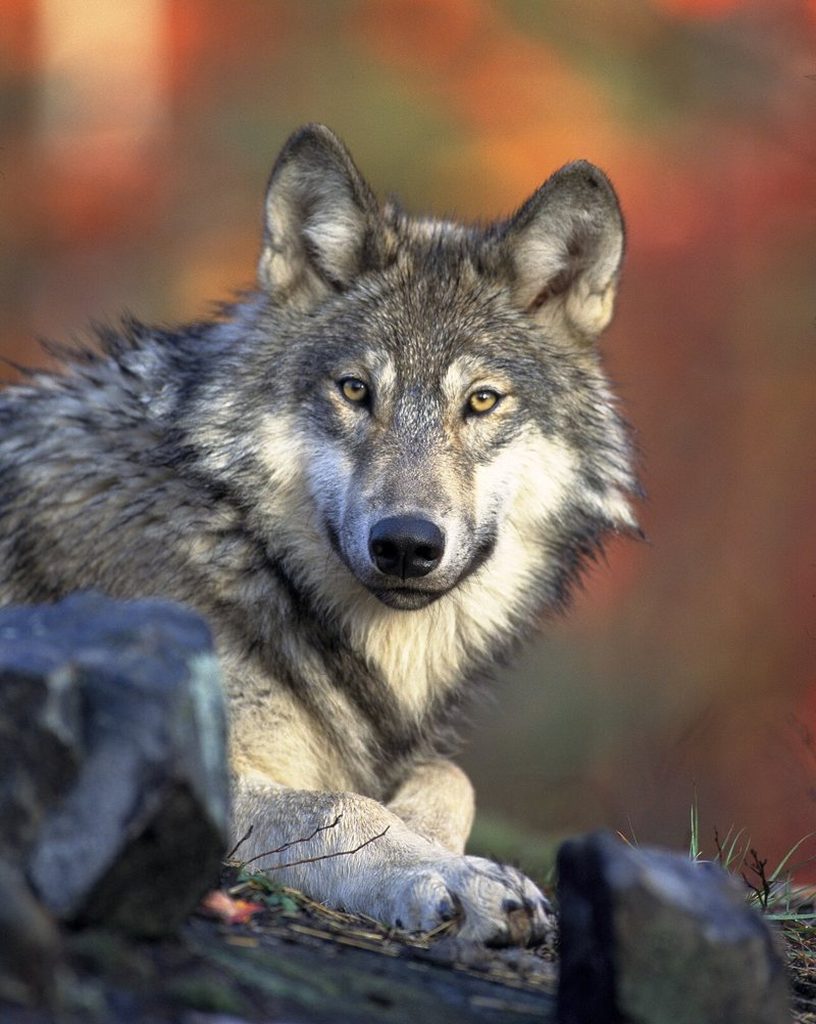
Photo: Gary Kramer, U.S. Fish and Wildlife Service, public domain. Line art: our Fine trace of that photo, Liner pass, subject only, 22 November 2026, with no hand editing.